555-555-5555
mymail@mailservice.com
To use all features, you’ll need both a Summerheights Account and an App Account.
Experience golf like never before with our app! From booking tee times to tracking your scores, ordering food, and staying updated—all at your fingertips. Simplify your game and enhance your day on the course.
Download the App.
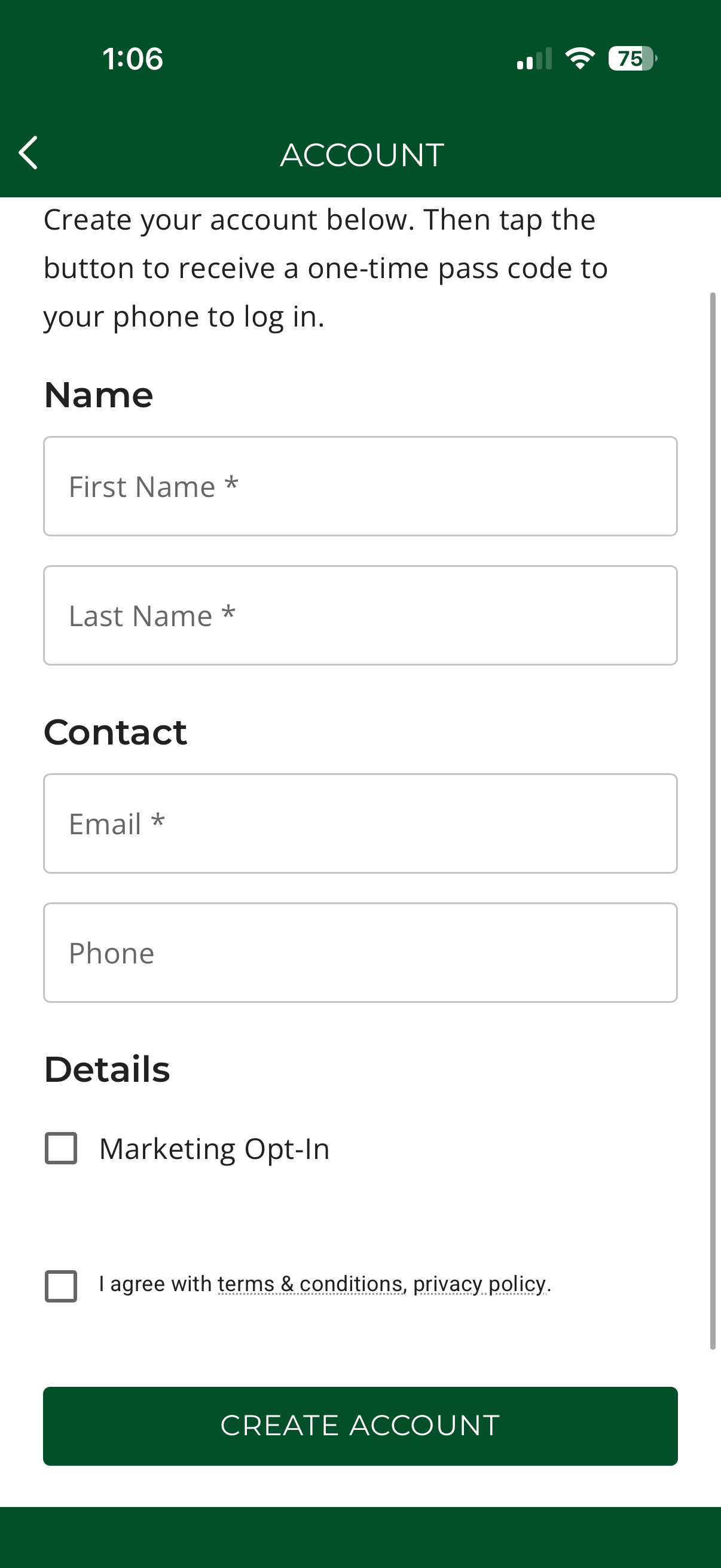
Click "Create An Account".
Enter all your personal information. Then click "Create Account".
Keep your handicap up to date with ease.
Track strokes, stats, and progress in real time.
Front, middle, and back of the green at your fingertips.
Secure your preferred slot anytime, anywhere.
Convenient service without leaving your round.
Savings just for app users