Your Summerheights Account

All guests are required to create a profile to book and manage tee times at Summerheights. Your account gives you easy access to bookings, rewards, and course communications.

Black circle with white checkmark.

Book, edit, or cancel tee times online

Black circle with a white checkmark.

Earn rewards

Black circle with a white check mark.

Receive tee time confirmations and reminders

Black circle with a white checkmark.

Stay informed with course updates and exclusive offers

After Clicking “Create Account,” Follow the Steps Below ⬇️

Yellow downward arrow with black outline.

STEP 1

Click "Create Account" on this webpage.

Mobile screen with a sign-in form. Fields for date and location with a green and white color scheme.

Step 2

Click "Sign In" in the top right corner.

Sign-in screen prompting user to enter email to continue. Options include Google and Facebook login, and signup link.

Step 3

Click "Sign Up" at the bottom up the page.

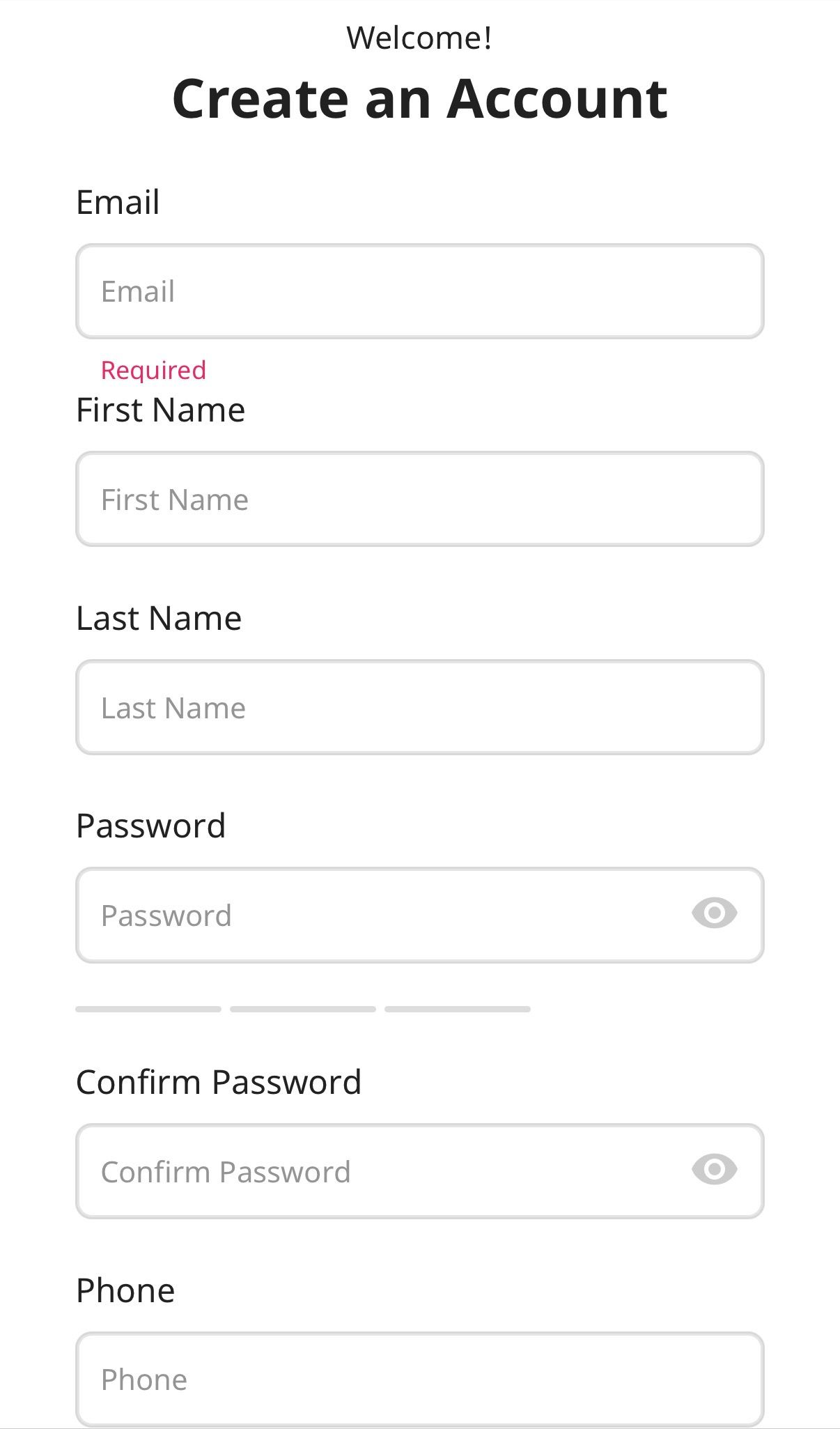
Account creation form: Email, first name, username, password, confirm password, and phone number fields.

Step 4

Enter your personal information and create an account.